
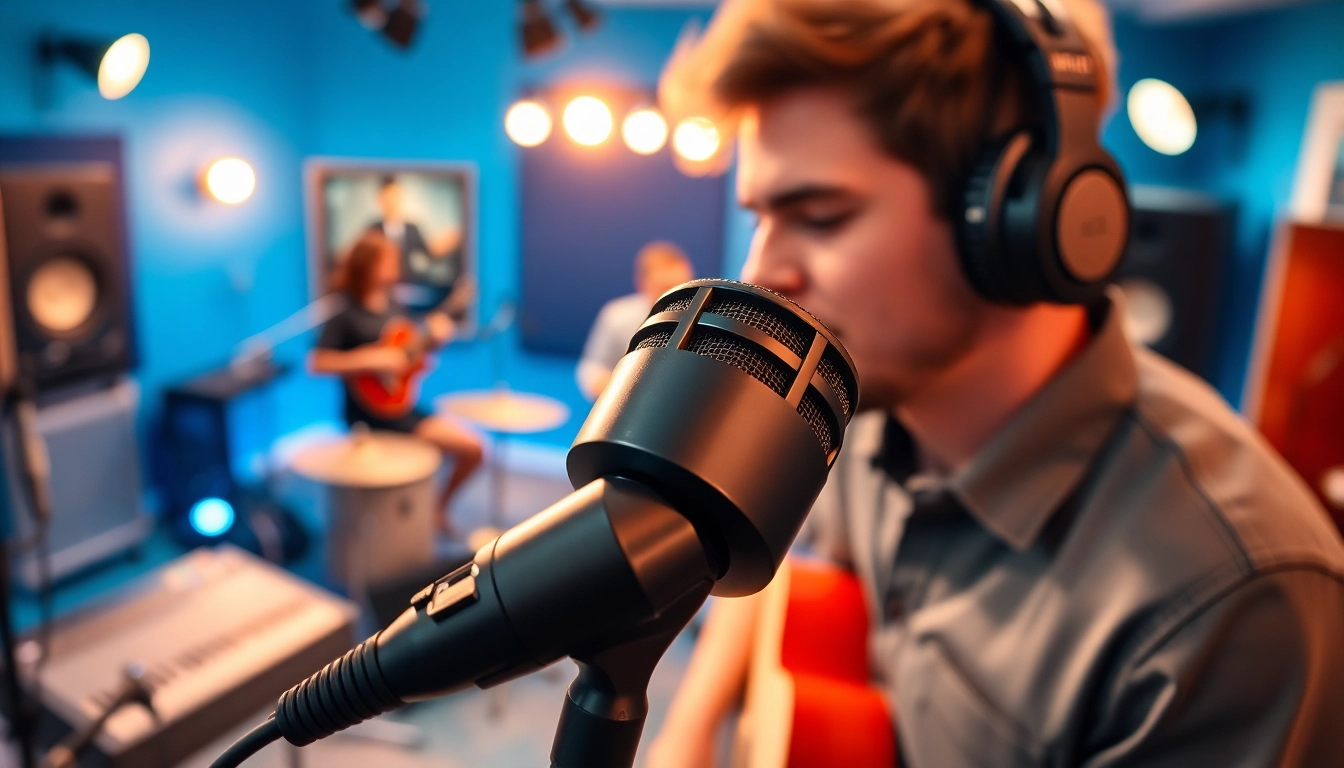
Understanding the MV88 Microphone
The MV88 microphone, developed by Shure, is a versatile and compact solution for audio recording that caters to musicians, podcasters, and content creators alike. Due to its size and functionality, the MV88 has become a popular choice for those seeking to produce high-quality sound in various settings. Whether you’re recording a live performance, conducting interviews, or creating social media content, understanding the features and benefits of the MV88 can enhance your audio projects significantly.
Key Features of the MV88
The MV88 is packed with features designed to optimize its performance across various scenarios. Here are some of its standout attributes:
- Mid-side Stereo Recording: The MV88 utilizes mid-side stereo technology, allowing users to capture sound from multiple directions, which can create a sense of space and depth in recordings.
- Adjustable Polar Patterns: With options to choose from cardioid and bi-directional polar patterns, the MV88 enables users to tailor their recording setup based on the environment and desired sound capture.
- Built-In DSP: The microphone features built-in digital signal processing (DSP) to provide five preset modes (speech, singing, flat, acoustic instrument, and loud) that optimize the sound for different applications, enhancing recording quality without the need for extensive post-production work.
- Lightning Connector: Designed for iOS devices, the MV88 conveniently connects via a Lightning port, making it incredibly portable and easy to use with compatible devices.
- Mobile App Integration: The ShurePlus MOTIV app complements the MV88, offering advanced control over settings and real-time monitoring, ensuring users can fine-tune their recordings as needed.
Benefits for Musicians and Content Creators
For musicians and content creators, the MV88 is more than just a microphone; it is a powerful tool that provides exceptional audio quality while being user-friendly. Here are several benefits that make the MV88 stand out in the crowded microphone market:
- Portability: The lightweight and compact design ensures that users can easily transport it to gigs, studios, or field-recording sessions, eliminating the constraints of larger setups.
- High-Quality Audio: The MV88 captures sound with remarkable clarity and detail, essential for professional sound quality in recordings. This is crucial for musicians who want to preserve the integrity of their performances.
- Versatile Recording Options: With its adjustable settings and DSP modes, the MV88 adapts to various environments, whether you’re in a soundproof studio or a bustling cafe.
- User-Friendly Features: The inclusion of presets and real-time adjustments makes the MV88 accessible to users of all levels, from beginners to advanced audio engineers.
- Affordability: Considering its features and overall quality, the MV88 offers excellent value for money compared to other high-end microphones in the market.
How MV88 Compares to Other Microphones
When evaluating microphones, it’s essential to consider how they stack up against each other. Below, we’ll compare the MV88 to other popular models in terms of key characteristics:
| Microphone Model | Audio Quality | Portability | Price | Ease of Use |
|---|---|---|---|---|
| Shure MV88 | High | Excellent | Moderate | User-Friendly |
| Rode NT-USB | High | Good | Moderate | Moderate |
| Audio-Technica AT2020 | High | Poor | Moderate | Moderate |
| Blue Yeti | High | Poor | Moderate | User-Friendly |
From this comparison, it’s evident that while several microphones offer high audio quality, the MV88 excels in portability and ease of use, making it an ideal rather than merely satisfactory option for on-the-go recording setups.
Setting Up the MV88 for Optimal Performance
Setting up the MV88 correctly is critical for achieving optimal audio quality. The following sections outline compatible devices, a step-by-step setup guide, and common issues you may encounter.
Compatible Devices and Applications
The MV88 is highly compatible with various iOS devices, including:
- iPhone 5 and later versions
- iPad (4th generation and newer)
- iPad Mini (all versions)
- iPod Touch (6th generation and later)
In addition to its primary function as a microphone, the MV88 can be integrated into music recording and editing applications such as:
- GarageBand
- Logic Pro X
- Final Cut Pro
- ShurePlus MOTIV
Step-by-Step Setup Guide
- Connect the MV88: Plug the MV88 into the Lightning port of your iOS device. Ensure a tight connection for optimal performance.
- Download the ShurePlus MOTIV App: If you haven’t already, download the ShurePlus MOTIV app from the App Store.
- Launch the App: Open the app and select your microphone from the settings.
- Choose Your Recording Mode: Select the preferred DSP mode based on your recording scenario (speech, instrument, etc.).
- Adjust the Polar Pattern: Choose the correct polar pattern for your recording needs to capture the best sound.
- Test Your Setup: Make a test recording to check levels, making adjustments as needed before your full session.
Common Issues and Troubleshooting
While using the MV88, you may encounter a few common issues. Here are some troubleshooting tips:
- Problem: No sound is being recorded.
Solution: Ensure that the MV88 is connected securely to your device and that the app recognizes it. Check the audio settings to confirm it is selected as the input source. - Problem: Distorted sound.
Solution: Lower input gain settings within the app or use a different preset mode to accommodate your recording environment. - Problem: Connection issues.
Solution: Restart the app or your device to reset the connection and try again.
Recording Techniques with the MV88
Once you have set up your MV88, employing effective recording techniques will ensure you capture the best audio possible. Here are some best practices tailored for different audio environments.
Best Practices for Different Audio Environments
Depending on where you are recording—be it a quiet room, outdoors, or a noisy café—consider the following best practices:
- Studio Recordings: Utilize the cardioid polar pattern to isolate the sound source, minimizing ambient noise. Ensure treated room acoustics for clearer recordings.
- Field Recordings: Switch to the bi-directional pattern for capturing dialogue in interviews or ambient sounds in nature. Use windscreens or pop filters to manage wind and breath sounds.
- Live Performances: Depending on the sound environment, selecting the appropriate preset mode can optimize the microphone for different instruments or vocals during performances.
Adjusting Settings for Various Scenarios
Becoming familiar with how to adjust the MV88’s settings according to your recording scenario will significantly enhance your audio projects:
- Identify your recording environment.
- Select a DSP preset that matches the type of audio you will be capturing.
- Adjust the input levels carefully, ensuring that peaks do not clip while maintaining clarity.
- Consider your distance from the sound source, adjusting the polar pattern and gain as necessary.
Creating a Signature Sound
To create a signature sound with the MV88, experimentation is key. Try various combinations of settings to find what works best for your style:
- Consistently use similar settings across recordings to develop a consistent audio quality.
- Incorporate additional effects during post-production, such as reverb or EQ adjustments, to enhance the recorded sound further.
- Consider using external plugins with your chosen recording software to add more texture to your sound.
Maximizing Post-Production with the MV88
Post-production is where your recordings come to life. Utilizing proper editing and processing techniques will help you achieve professional-sounding audio.
Editing Techniques for Clean Audio
Utilizing digital audio workstations (DAW) for editing is crucial. Here are some essential techniques:
- Noise Reduction: Employ noise reduction plugins to eliminate unwanted background sounds, especially for field recordings where ambient noise can be prevalent.
- Volume Automation: Adjust volume levels through automation to ensure consistent audio throughout the entire recording.
- Cuts and Fades: Use precise cuts to remove any unwanted sections, and add fades at the beginning and end to create smooth transitions.
Utilizing Effects and Plugins
Integrating effects and plugins can bring your audio to the next level. Consider the following:
- EQ (Equalization): Adjust frequencies to enhance clarity; cut unnecessary lows, and boost mids and highs for improved presence.
- Compression: Use compression to even out the dynamic range, making quieter sounds more audible and controlling peaks that may distort.
- Reverb: Add reverb to create a sense of space; however, be careful not to overuse it, as it can muddle clarity.
Exporting for Different Platforms
When exporting your projects, consider the formats best suited for your distribution channels:
- MP3 Format: Ideal for general listening platforms, balancing quality and file size.
- WAV Format: Best used for archiving or professional distribution due to its high quality.
- File Naming Conventions: Use clear and descriptive names that reflect the content, making it easy to locate in the future.
Sharing Your Work: MV88 in Action
The final touch to any audio project is sharing it with your audience. The MV88 offers unique prospects for showcasing your work effectively.
Success Stories from Professional Users
Numerous professionals attest to the MV88’s capabilities:
- A local band captured their live performance audio in a public venue, utilizing the MV88 to produce a high-quality recording that they later used for promotional purposes.
- A podcaster travels to various locations for interviews. With the MV88, he ensures that each episode maintains a standard of quality, allowing for a cohesive listening experience regardless of the environment.
- A filmmaker used the MV88 to record diegetic sound in the field, balancing excellent audio with the visual elements of his documentary.
Marketing Your Audio Creations
Effectively marketing your audio content can enhance reach and engagement:
- Social Media Integration: Share snippets of your recordings on platforms like Instagram, Twitter, and Facebook to attract listeners to your full content.
- Email Marketing: Design a newsletter that highlights your latest projects, offering exclusive clips to subscribers.
- Collaboration: Collaborate with other artists and creators to tap into their audience, potentially gaining new followers and listeners.
Engaging Your Audience through Quality Sound
Finally, the ultimate goal of using the MV88 is to captivate and engage your audience:
- Storytelling: Use your audio to tell compelling stories that resonate with listeners, fostering a deeper connection.
- Quality Counts: High-quality sound not only enhances enjoyment but conveys professionalism, instilling trust and credibility in your audience.
- Audience Feedback: Encourage feedback and interaction from your audience, using insights to improve future projects further.