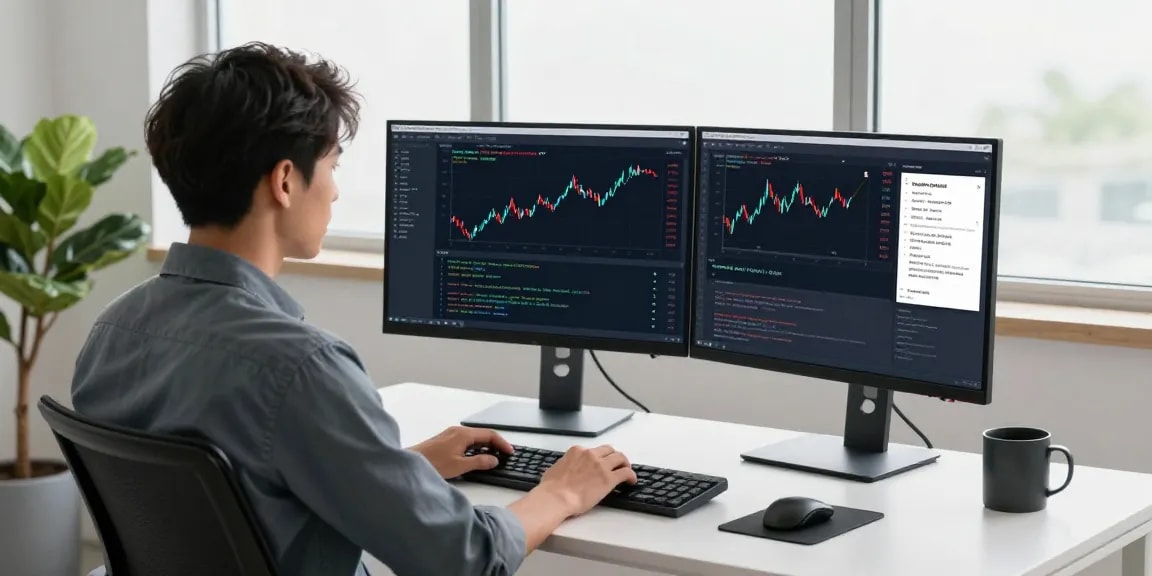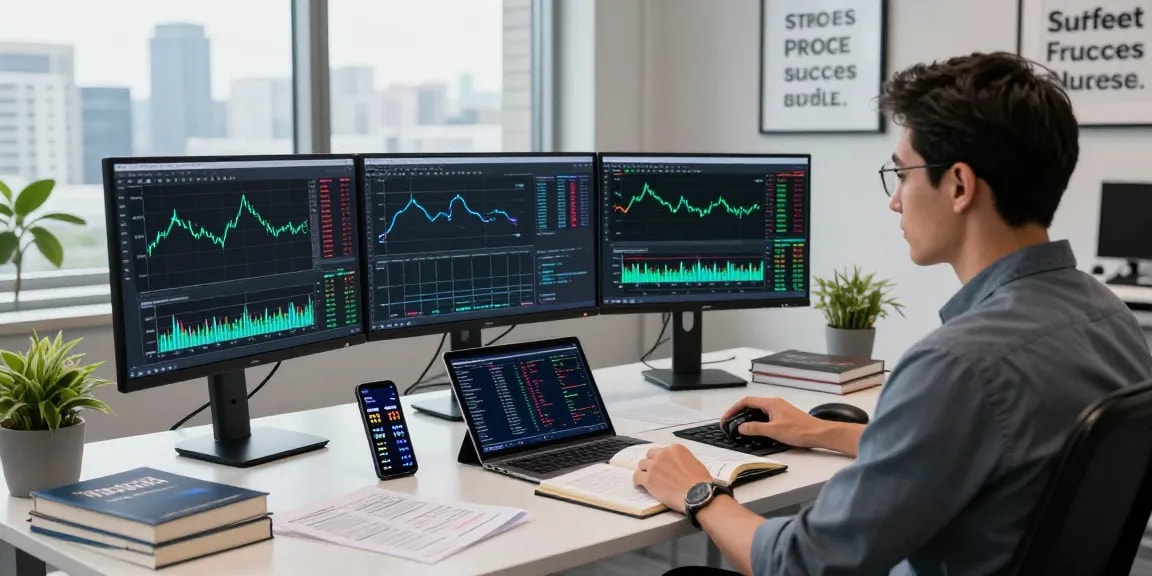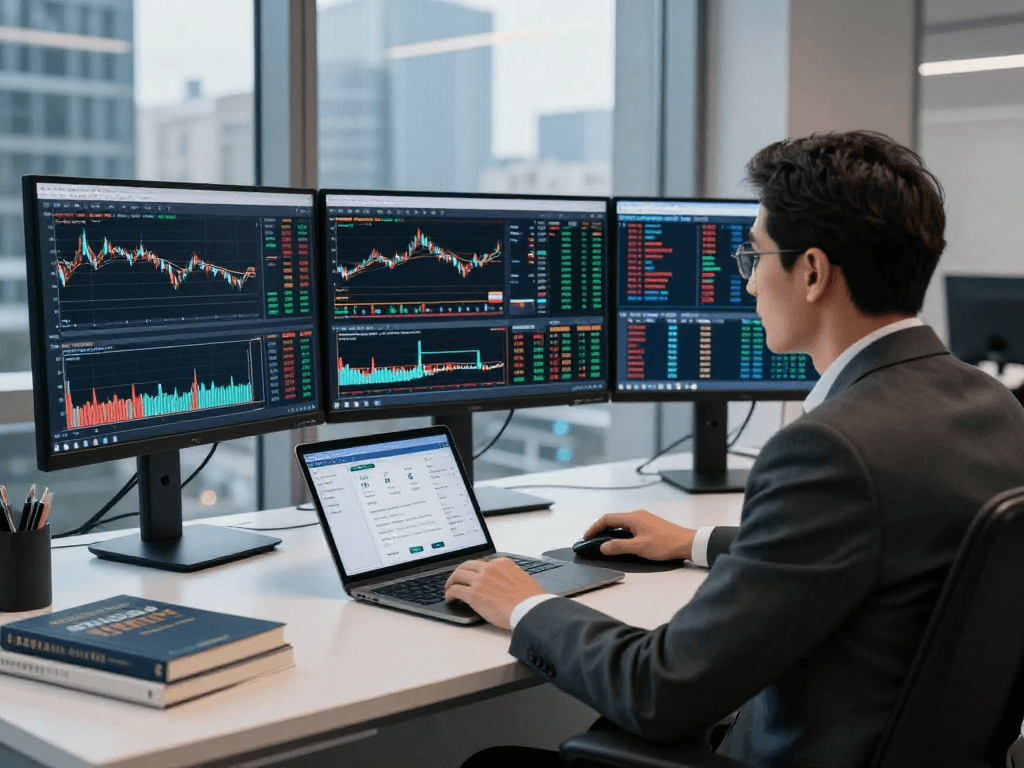
Understanding TradingView and Its Key Features
In the rapidly evolving world of trading, having the right tools can make all the difference between success and failure. TradingView stands out as a premier platform for traders and investors alike, offering a comprehensive suite of functionalities tailored to meet the diverse needs of its users. From real-time market data across various assets to advanced charting tools and customizable alerts, TradingView empowers users to make informed decisions in their trading endeavors.
What is TradingView?
TradingView is a web-based platform that provides real-time data and analysis for a wide range of financial markets, including stocks, cryptocurrencies, forex, and commodities. Launched to simplify the complexities of market analysis, TradingView combines powerful charting capabilities with social networking features, enabling users to share insights, strategies, and ideas. The platform is designed for traders of all levels, offering tools that appeal to beginners, experts, and everyone in between.
Core Capabilities and Functionalities
One of TradingView's most notable features is its robust charting tools. Users can switch between multiple timeframes, apply various indicators, and utilize drawing tools to enhance their market analysis. Additionally, the platform supports different chart types, including candlestick, line, and bar charts, allowing users to visualize data in formats that suit their trading strategies. TradingView also offers predefined watch lists and the ability to create custom alerts, ensuring that traders can respond swiftly to market movements.
Benefits for Traders and Investors
Utilizing TradingView can provide traders with a competitive edge. The platform promotes efficient decision-making through its real-time alert system, which notifies users when specified price levels or technical conditions are met. Moreover, the collaborative community aspect allows users to learn from one another, share trading ideas, and access publicly shared strategies and analyses. This connectivity fosters a supportive trading environment where users can grow their skills.
Exploring the TradingView Charting Tools
Central to TradingView's offering is its sophisticated charting interface, which combines usability with in-depth analytical capabilities. Users can delve into technical analysis using various tools and indicators available on the platform.
How to Use Technical Analysis Tools
The technical analysis tools on TradingView include indicators such as Moving Averages, Relative Strength Index (RSI), and Bollinger Bands. Users can easily apply these tools through the platform's intuitive UI and customize settings to align with their trading strategies. By leveraging these indicators, traders can identify entry and exit points based on historical price movements.
Multi-Timeframe Analysis Strategies
Multi-timeframe analysis is another essential strategy supported by TradingView. Traders can analyze price movements across different timeframes—from minute charts to daily and weekly views—providing insights into both short-term and long-term trends. This approach helps traders to better understand market dynamics and create more informed trading plans.
Customizing Charts for Better Insights
Customization is a pivotal feature of TradingView. Users can personalize their charts by altering colors, layouts, and indicators to fit their preferences. This flexibility allows for a more effective review of market data, leading to better decision-making processes. Additionally, users can save their customized templates, ensuring a streamlined analysis experience in future sessions.
Leveraging Alerts and Notifications on TradingView
Effective trading requires vigilance, but constant monitoring of price movements can be overwhelming. TradingView’s alert system reduces this burden by enabling traders to set up notifications based on specific criteria.
Setting Up Price Alerts Effectively
Price alerts can be established to notify users when assets reach predefined price levels. This feature allows traders to focus on other tasks while still keeping an eye on significant market changes. Setting these alerts is straightforward and can be tailored to various parameters, including percentage changes and absolute price points.
Understanding Technical Alerts and Signals
In addition to price alerts, TradingView offers technical alerts based on specific indicators. For example, traders can set alerts for when the RSI crosses a threshold or when a moving average crossover occurs. These technical signals can provide deeper insights into market sentiment and potential price movements.
Reducing Screen Time with Notification Strategies
Developing a strategy to leverage alerts can significantly reduce the amount of time traders spend glued to their screens. By utilizing TradingView's alert system effectively, traders can receive timely notifications without the need for constant monitoring. This balance between vigilance and relaxation cultivates a healthier trading lifestyle.
Utilizing TradingView Across Multiple Devices
Another significant advantage of TradingView is its seamless cross-platform functionality, which allows users to access their accounts from various devices without sacrificing features or capabilities.
Synchronization Between Web and Mobile Applications
TradingView supports synchronization between its web application and mobile app, ensuring that users can keep track of their market analyses no matter where they are. Any modifications made to charts, alerts, or watchlists will automatically update on all devices, promoting a fluid trading experience.
Desktop vs. Mobile Experience: What to Expect
The desktop version of TradingView offers a more comprehensive workspace for advanced traders, with features like multi-monitor support and extensive customization options. On the other hand, the mobile app provides convenience, enabling users to manage trades and market analysis while on the go. Both versions are designed to complement each other, catering to the needs of different trading environments.
Cross-Platform Adaptability for Active Traders
For active traders, the ability to switch between mobile and desktop platforms without losing data or functionality is crucial. TradingView's emphasis on cross-platform adaptability ensures that traders can maintain their analytical edge regardless of where they are located.
Frequently Asked Questions About TradingView
As with any platform, potential users often have inquiries regarding TradingView's capabilities and limitations. Below are some of the most common questions addressed.
Is TradingView suitable for beginners?
Yes, TradingView is highly suited for beginners due to its user-friendly interface, extensive educational resources, and community forums where new traders can gain insights and learn best practices. Even those with minimal trading experience can easily navigate the platform and start analyzing markets.
What unique features set TradingView apart from competitors?
TradingView differentiates itself with its social networking features that allow users to share ideas and strategies, extensive charting tools, and a customizable interface. Additionally, its robust alert system and compatibility across various devices further enhance its appeal.
How does TradingView cater to different financial markets?
TradingView aggregates data from numerous exchanges worldwide, offering comprehensive coverage of stocks, bonds, cryptocurrencies, forex, and commodities. This diversity caters to traders interested in different asset classes and facilitates easy comparisons across markets.
Are there limitations in the free version of TradingView?
While the free version of TradingView offers many essential features, certain functionalities such as advanced indicators, timeframes, and ad-free use may require a paid subscription. Users can evaluate these options to determine the best fit for their trading needs.
Can I access TradingView offline?
TradingView is primarily a web-based platform, meaning that its full capabilities require an internet connection. However, users can save and access certain chart configurations offline, but real-time data and alerts are not available without connectivity.